AcaLens
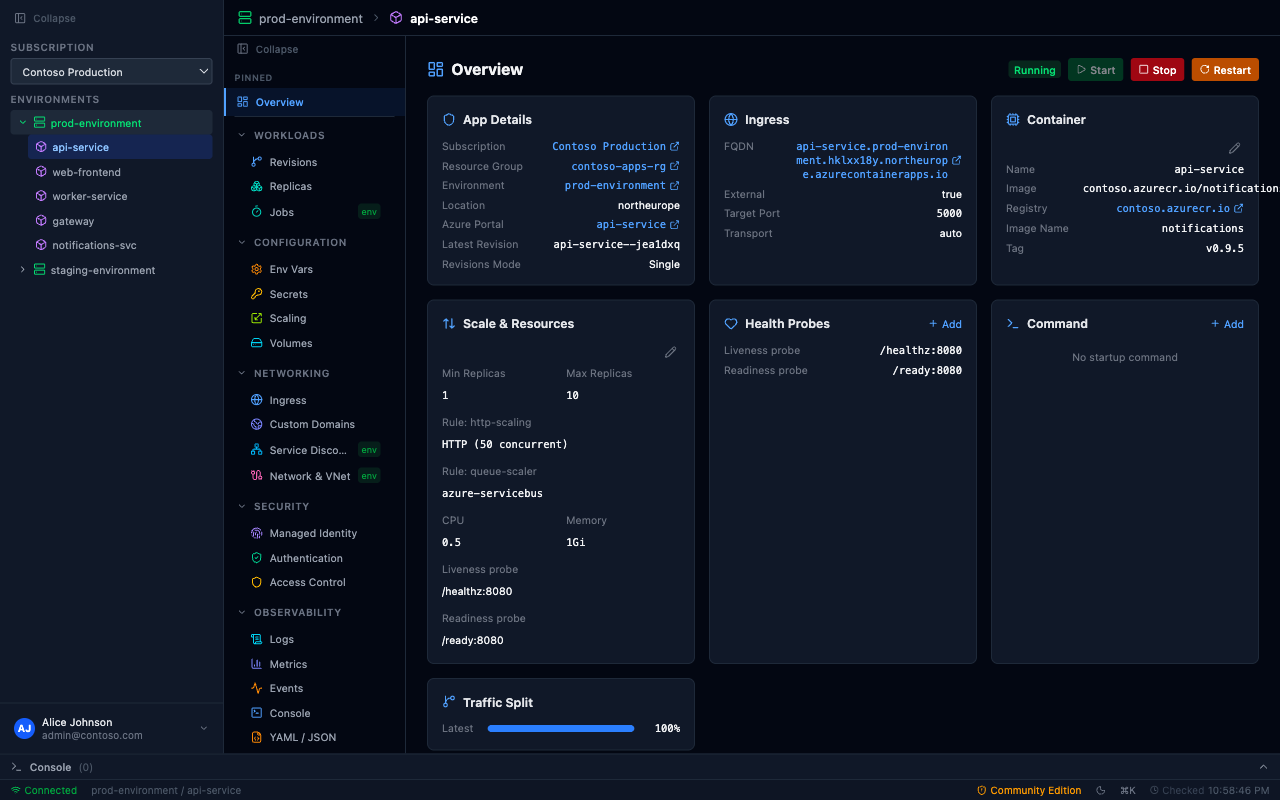
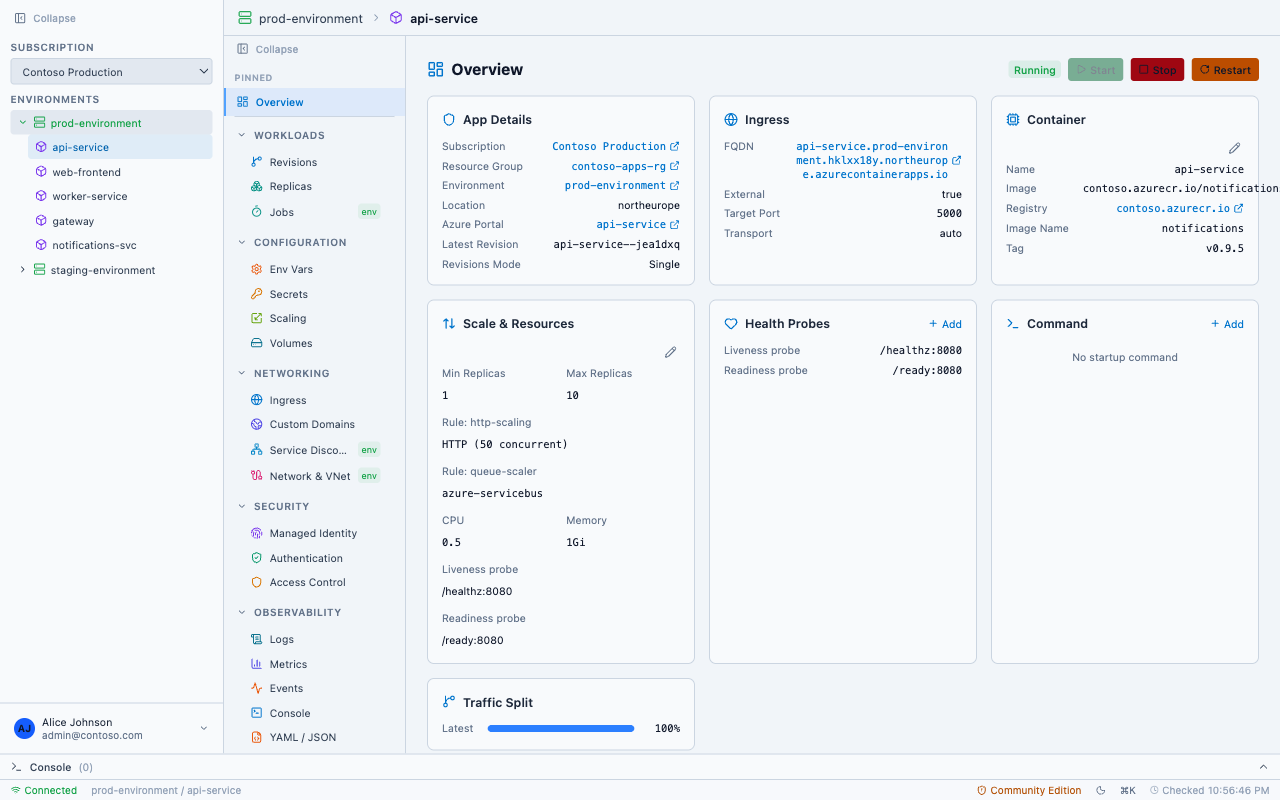
Stop juggling the Azure Portal, CLI, and Log Analytics. Manage secrets, revisions, logs, scaling, and more — from one lightweight desktop app.
One app replaces the Portal workflow. No browser tabs. No CLI flags.
Stop switching between the Azure Portal, CLI sessions, and Log Analytics. AcaLens lets you browse, configure, and manage your Container Apps from a single, fast desktop app — with full read and write support.
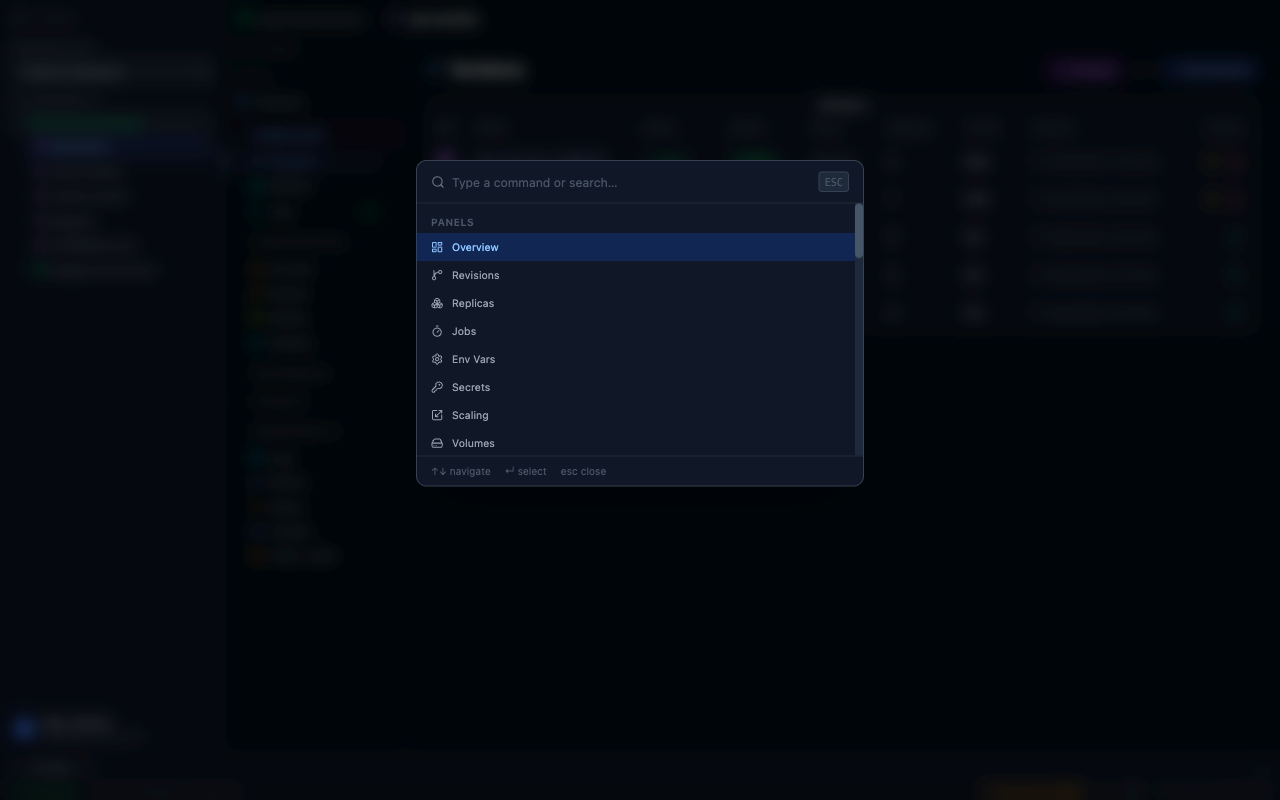
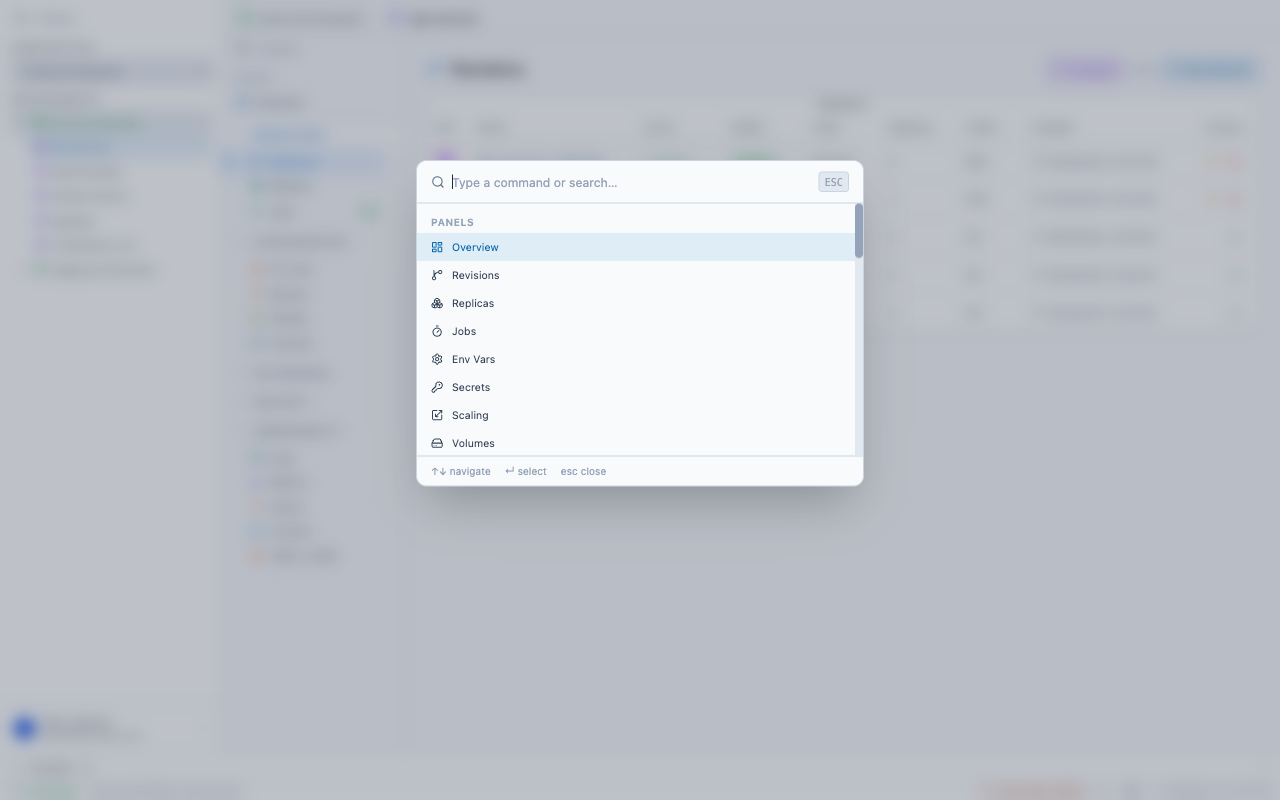
Navigate your entire Azure Container Apps estate from a single sidebar. Pin your most-used apps, switch tenants, and jump to any panel with ⌘K. No browser tabs. No CLI windows. Just a fast, keyboard-driven desktop app.
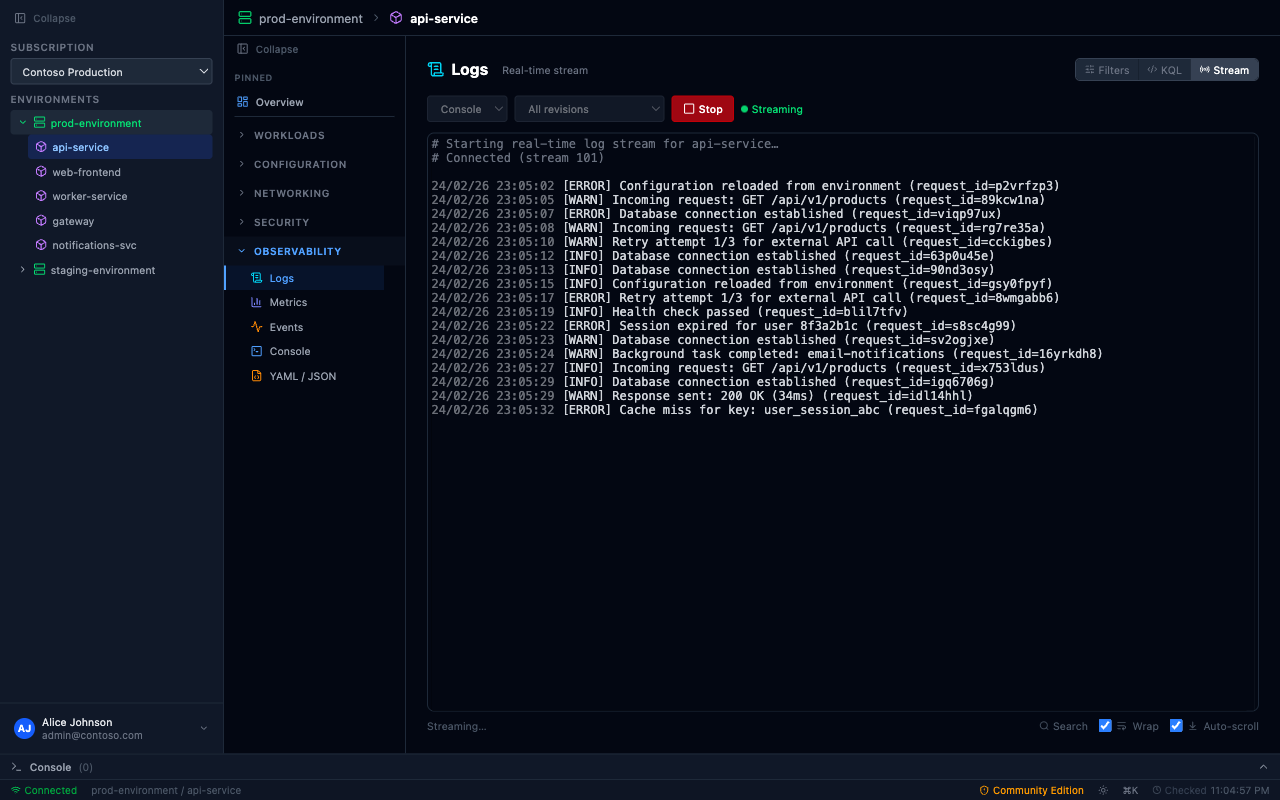
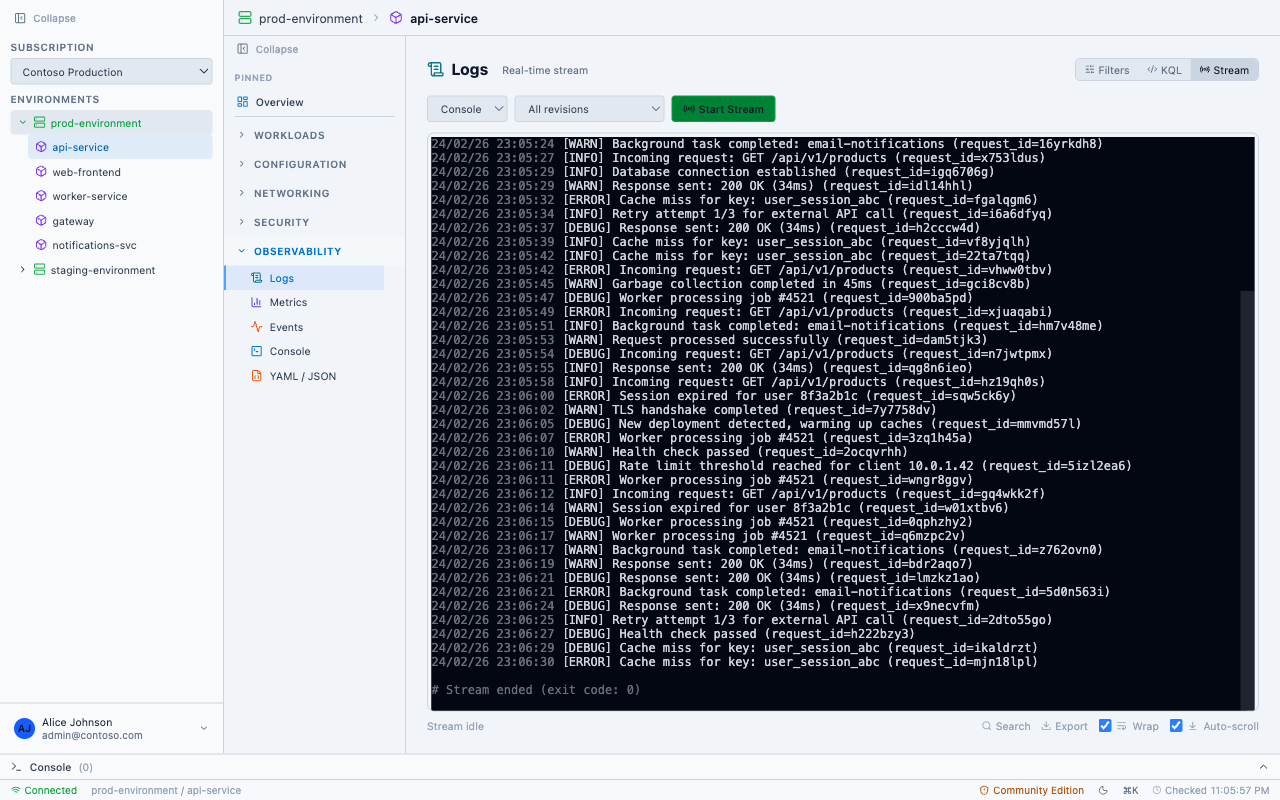
AcaLens combines real-time log streaming, Log Analytics queries with filters, and a raw KQL editor — all in a single panel. No more context-switching between the Portal's log stream, Log Analytics workspace, and Application Insights.
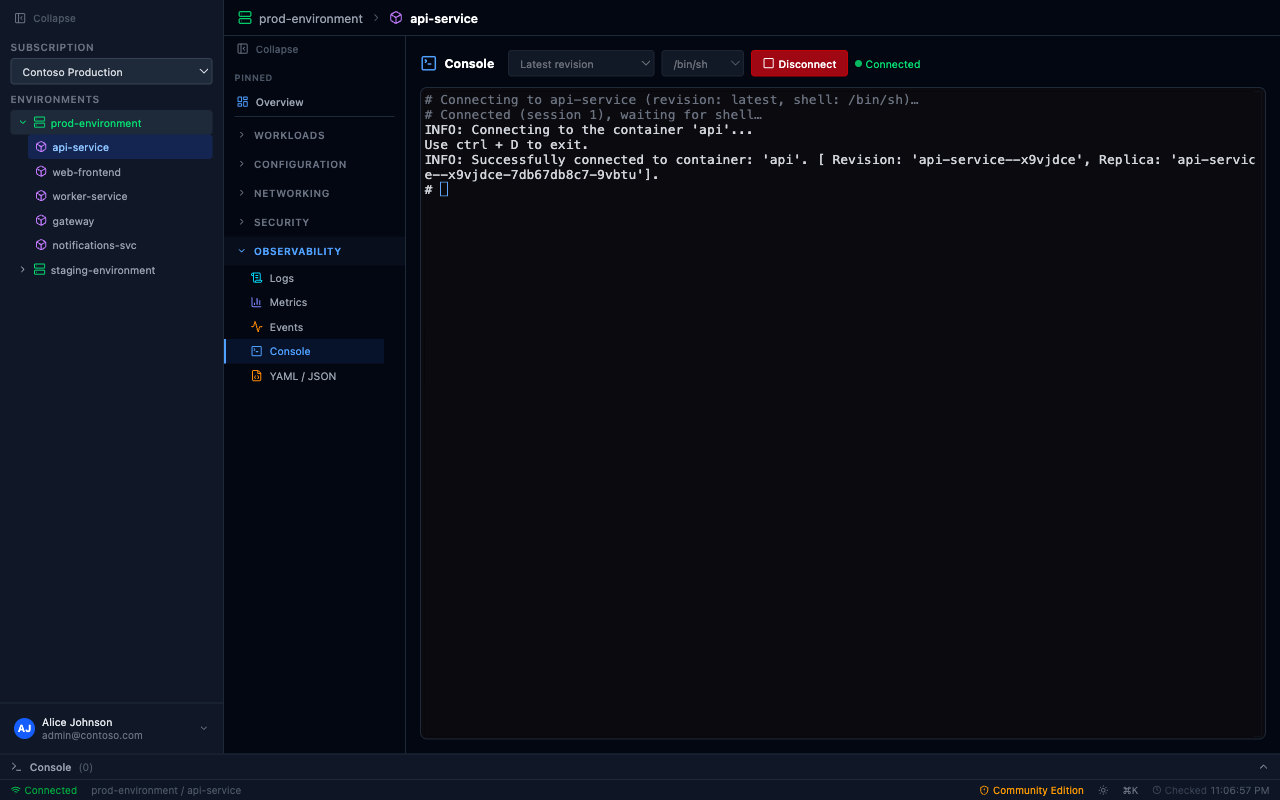
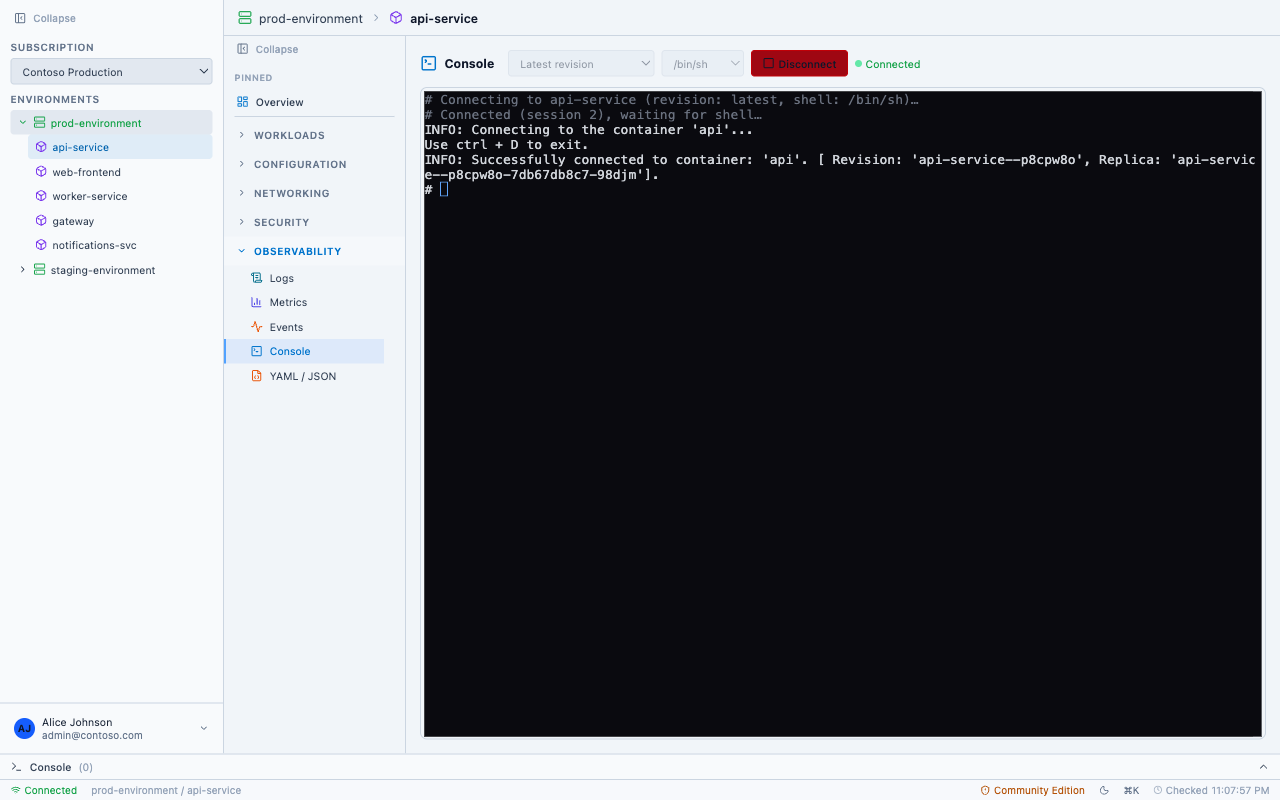
Need to inspect a running container? AcaLens gives you a full xterm.js terminal — pick a revision and replica, choose your shell, and you're connected. Similar to kubectl exec, but with a graphical interface.
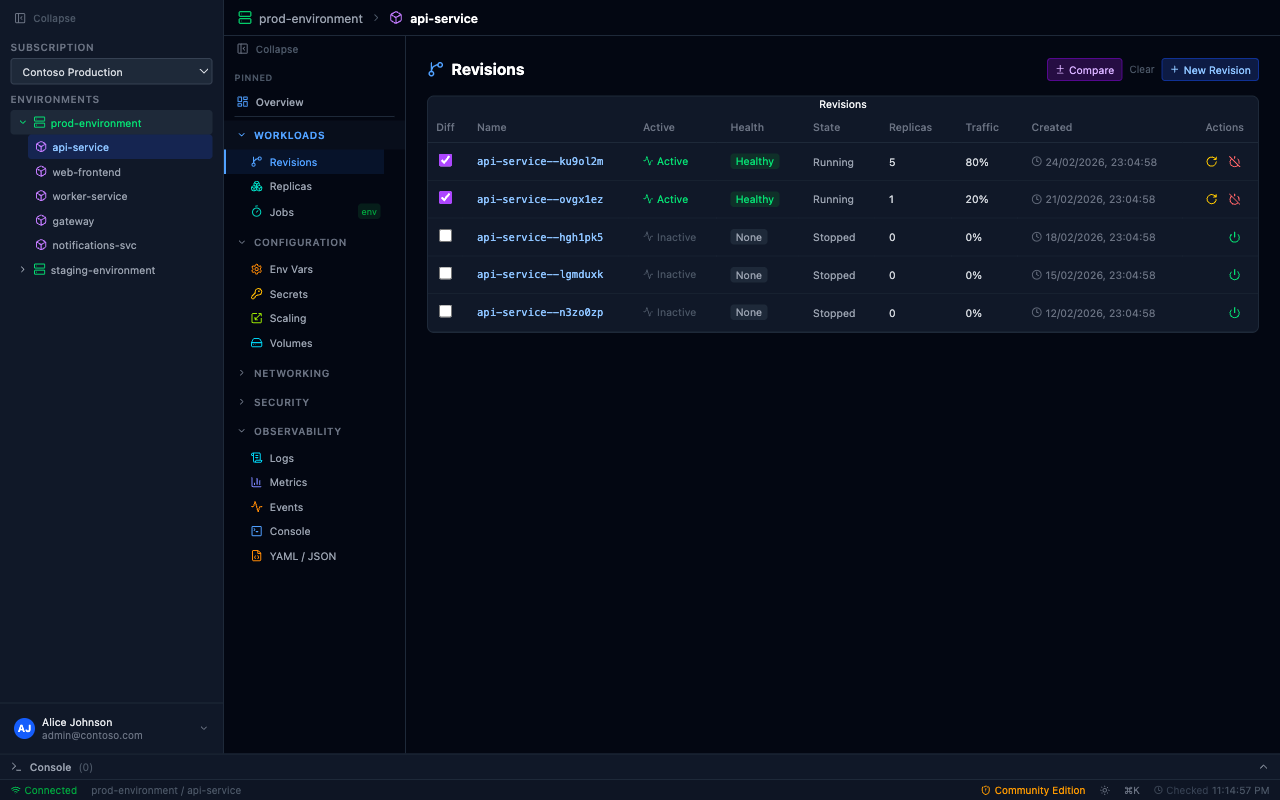
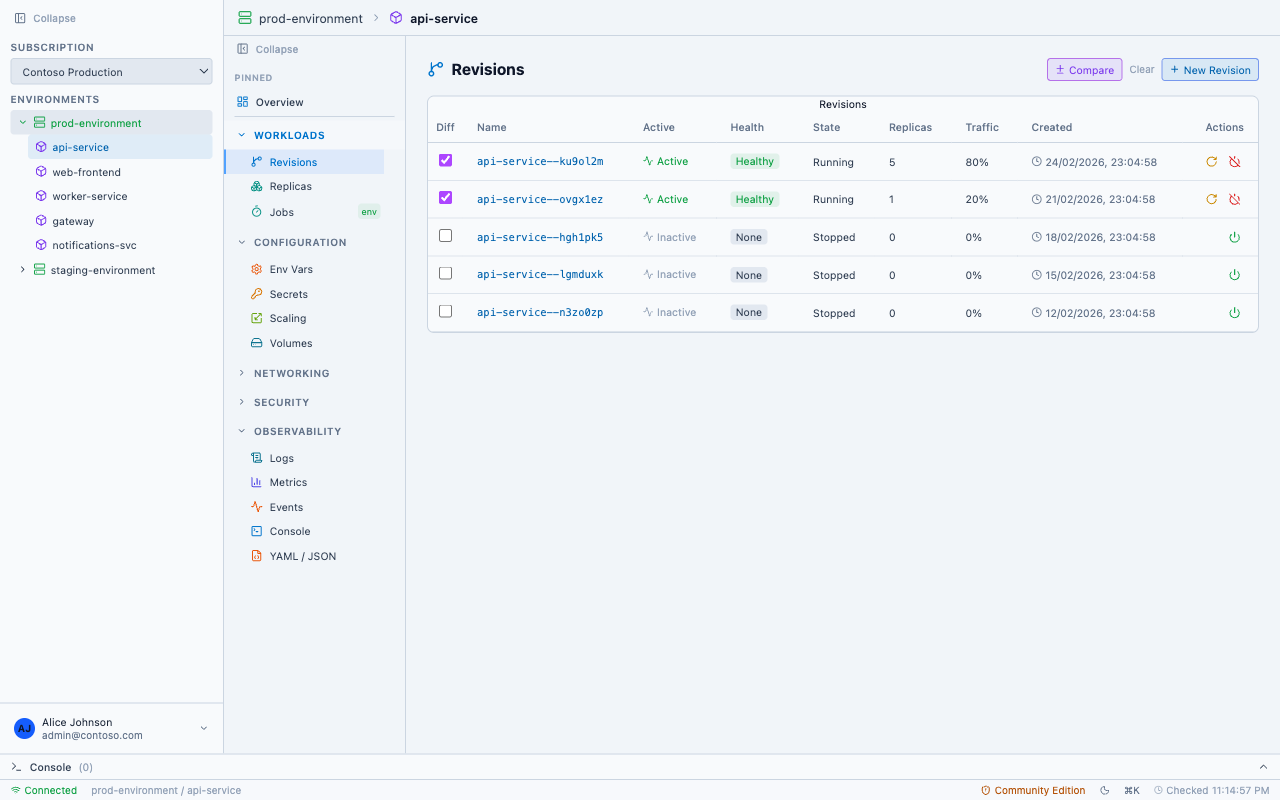
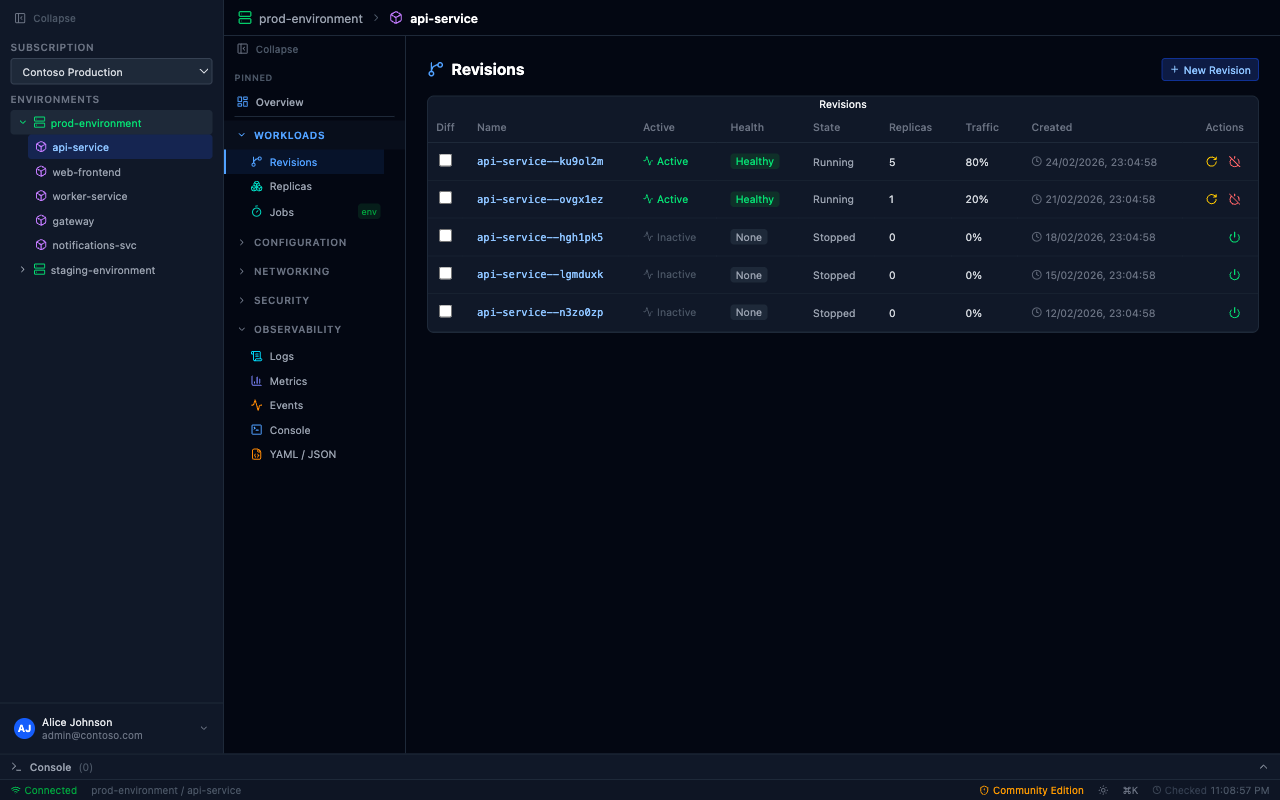
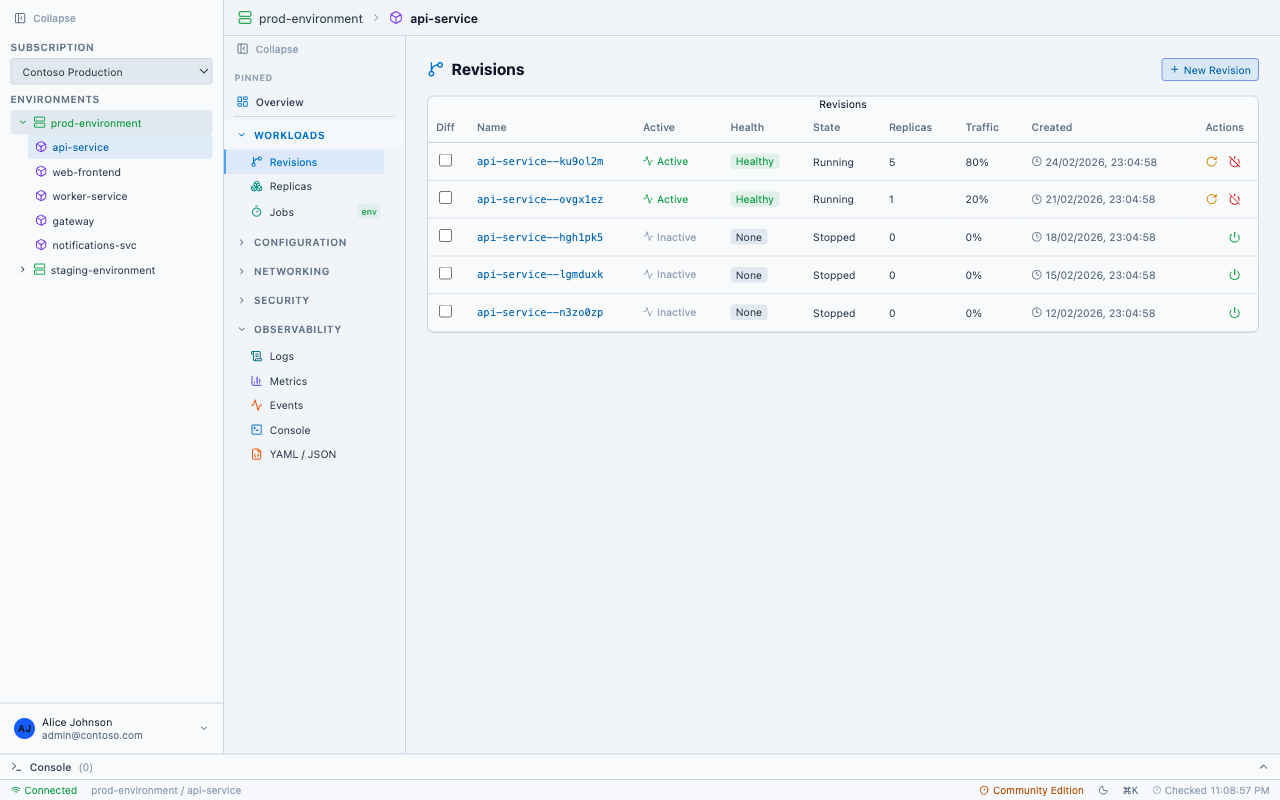
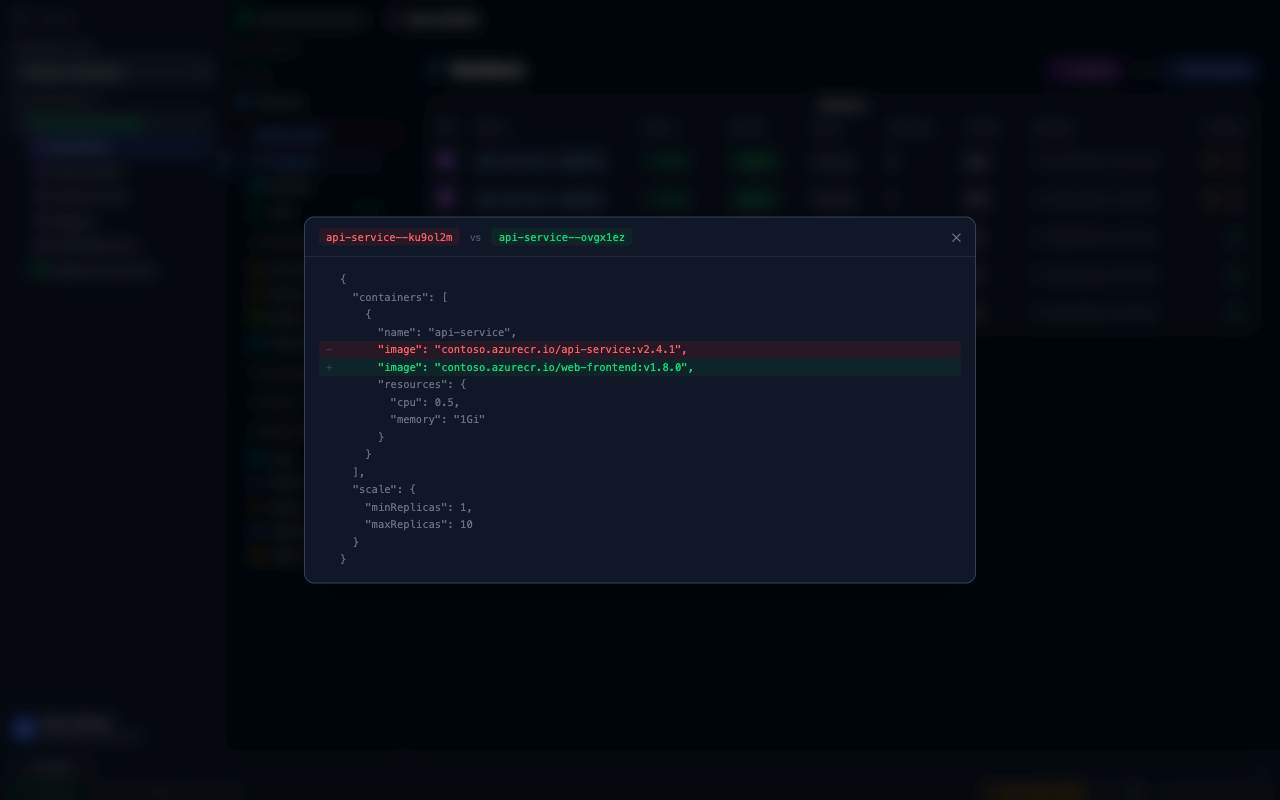
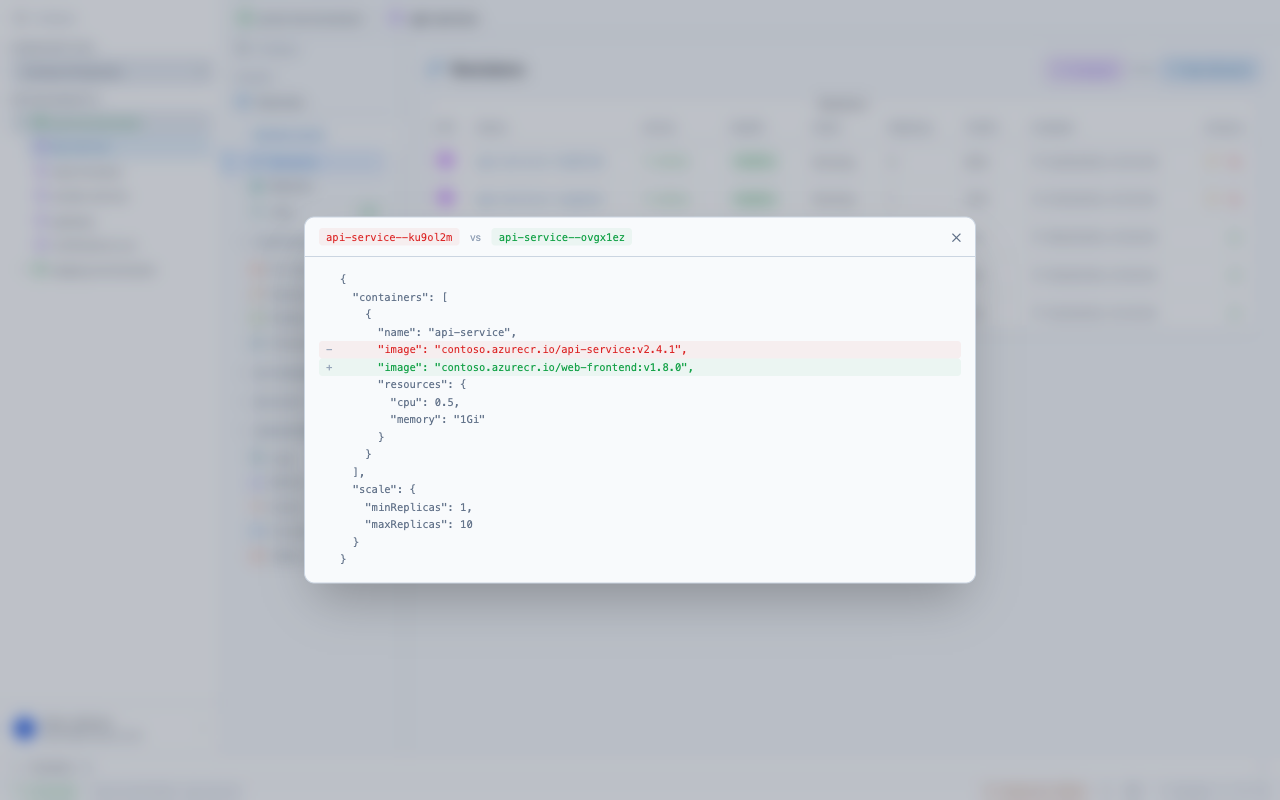
See all your revisions with traffic weights and health status. Activate, deactivate, or restart any revision — rollback is one click, not a multi-step CLI process. Edit traffic split weights with sliders, and compare any two revisions side-by-side to see exactly what changed.
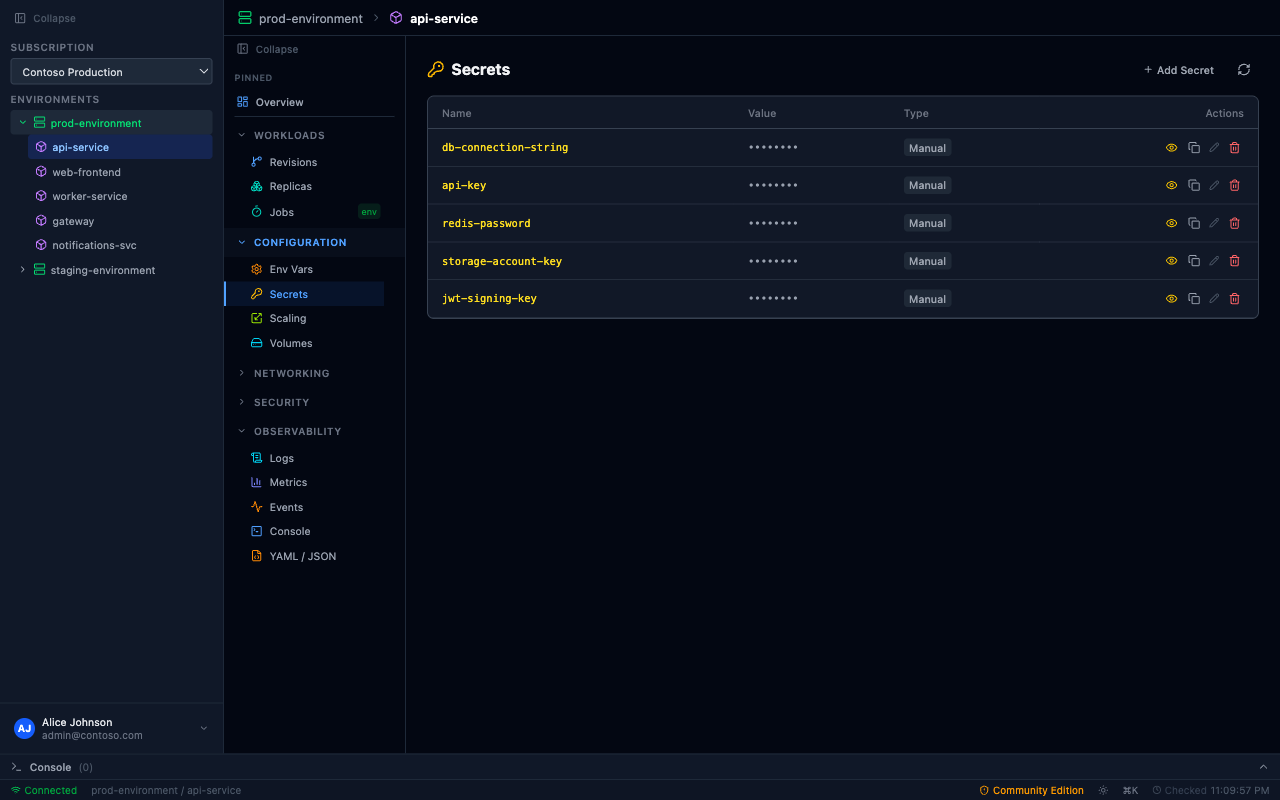
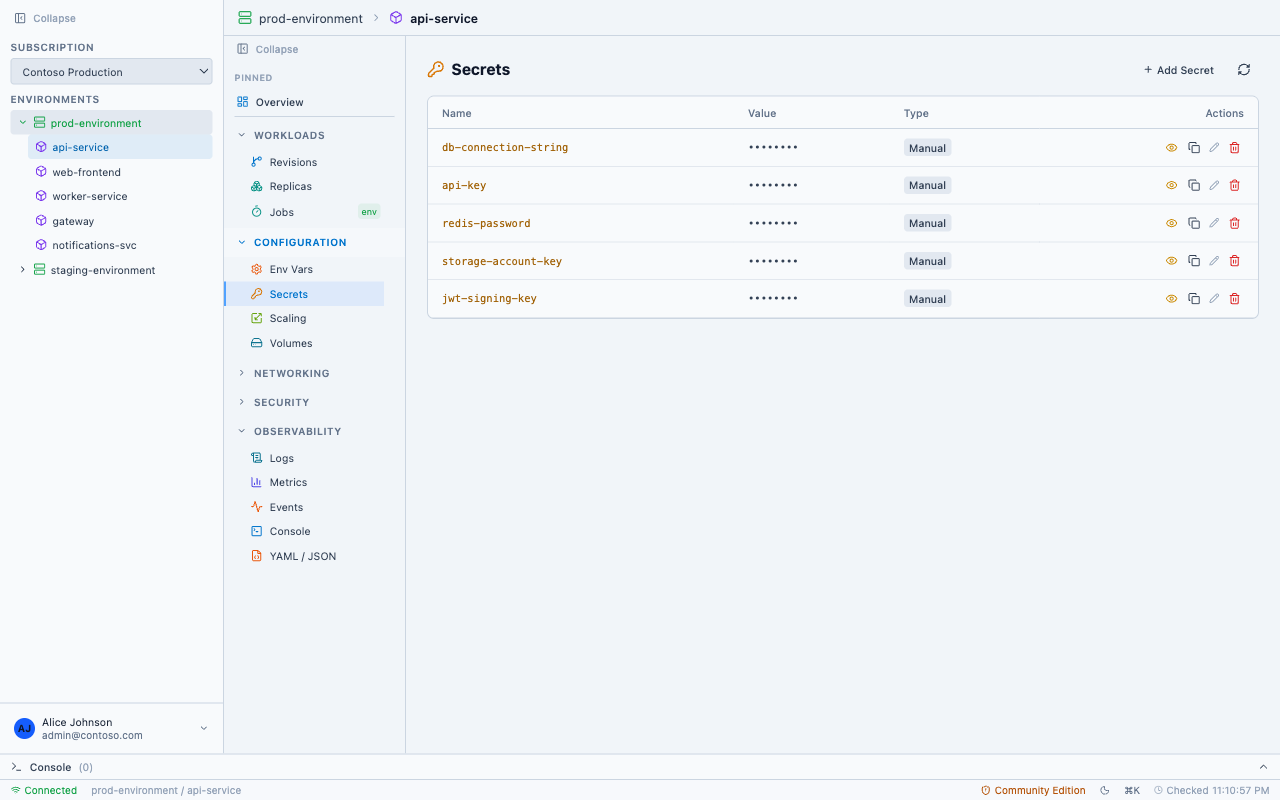
No portal blades, no CLI flags. Add, edit, and delete secrets and environment variables directly. Reveal values on demand, copy to clipboard — Key Vault references are detected and linked automatically.
Edit min/max replicas, add HTTP and TCP scaling rules, or configure custom KEDA triggers — all inline, no YAML required. The Portal can't even do managed identity auth for KEDA; AcaLens can.
Enable managed identity, create RBAC role assignments, and toggle Easy Auth — without jumping between three different Portal blades. Everything scoped to your container app in one view.
List all Azure Container Registries in your subscription. Drill into repositories and tags with digest + age metadata.
Cascading dropdown: pick registry → repository → tag. No more switching to the ACR blade to copy an image reference.
Update the container image on any app and deploy — without leaving the app. Manage registries with managed identity or credentials.
Image pull issues are among the most common ACA problems. AcaLens gives you an integrated Azure Container Registry browser — browse registries, repositories, and tags, then deploy directly to your container app. No Portal tab-switching.
Ask questions about your container apps, troubleshoot issues, or get configuration advice — right inside AcaLens. The AI assistant sees your current app, environment, and panel context, so answers are specific to what you're working on. Available with a Commercial License — just connect your own API key from any supported LLM provider.
Requires a Commercial License and an API key from a supported provider. Most providers offer free tiers or pay-as-you-go pricing.
The assistant automatically knows your selected app, environment, subscription, and current panel — so you can ask "Why is this app failing?" without pasting resource IDs.
The AI can call Azure CLI commands on your behalf — list revisions, check secrets, query logs, and more — then summarize the results in natural language.
Your API key stays on your machine — AcaLens never sends it to us. Pick from OpenAI, Anthropic, Google, Mistral, DeepSeek, or Cohere. Most providers offer generous free tiers or pay-as-you-go pricing, so you only pay for what you use.
Real-time charts for CPU usage, memory consumption, and request counts — no Azure Monitor dashboards needed.
View and edit the full ARM resource definition with Monaco editor — modify inline and apply changes directly.
Manage scheduled and manual jobs. View execution history, trigger runs, and monitor completion status.
View, manage, and delete Dapr components at the environment level. See which components affect your apps.
Add, update, and delete compute profiles. Manage Consumption, Dedicated, and Flexible workload types.
Hostname management, certificate info, and service discovery across apps in your environment.
Configure Azure Files and ephemeral volumes. Mount storage directly to your containers.
Environment VNet/subnet configuration, zone redundancy, custom DNS suffix, and network details.
Full i18n: English, German, French, Spanish, Italian, Dutch, Portuguese, Japanese, Korean, Chinese.
Download the native app for your OS. No Docker, no runtime dependencies beyond Azure CLI.
AcaLens uses your existing az login session. No extra credentials to manage.
Browse, configure, and debug — all keyboard-driven.
Free for personal, educational, and non-commercial use. One license per seat for commercial teams.
az login, and AcaLens will use your existing permissions — no extra credentials needed.
Choose your platform and download. Free for personal, educational, and open-source use.
Requires Azure CLI to be installed and authenticated.